Virtual Hair Color Try-OnSee It On Your Own Photo
Stop guessing from a model with nothing like your features. Upload a few photos and Palette Hunt's AI renders any hair color — blonde, copper, brunette, even gray coverage — on your real face, in realistic light. No app to install.
Find your colors. Try on your next look.
Upload your photos and preview shade after shade before you ever book the salon.







 Chestnut




How the Virtual Try-On Works
No live camera filters, no makeup-counter tablets. The whole virtual hair color try-on runs from a few photos you already have, in three steps.
 1
1Upload a few photos
Add a handful of clear, well-lit selfies. The AI reads your real skin tone, eye color, and face shape — the things a generic on-screen model can never match — so every shade is rendered on you, not a stand-in.
 2
2Pick the shades to try on
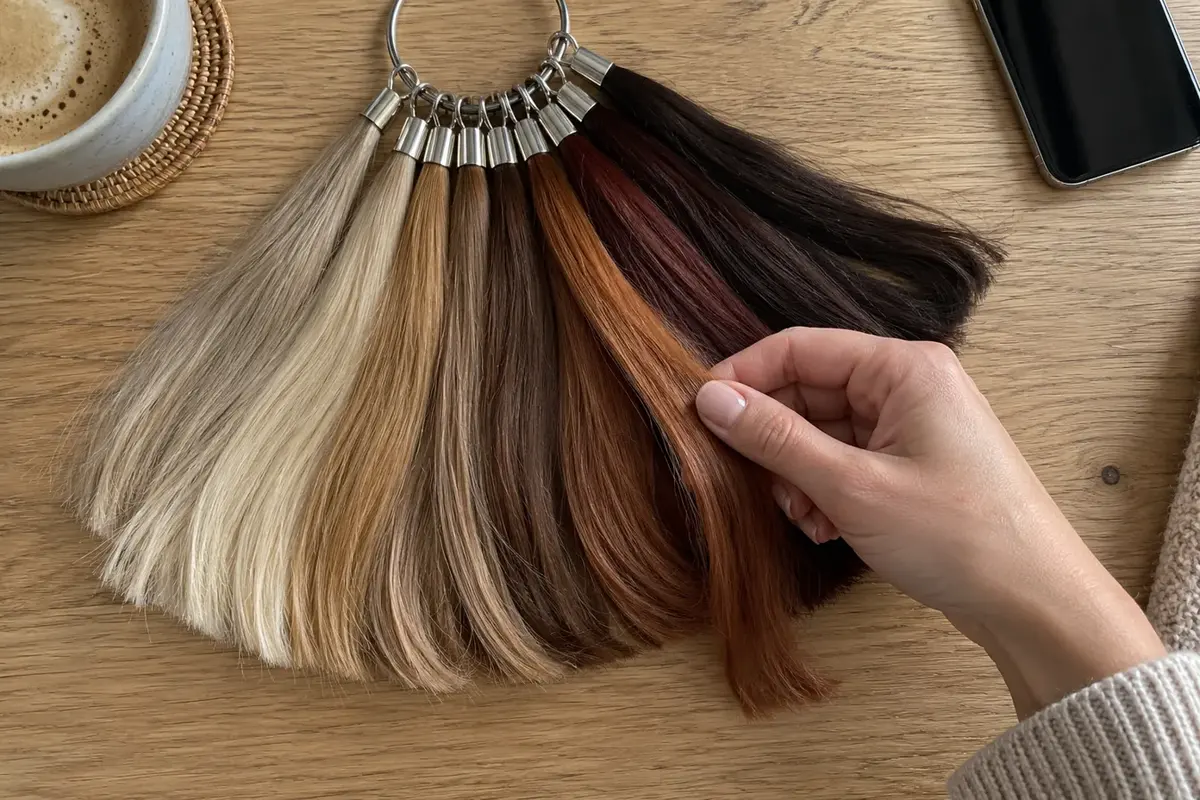
Choose from 36+ hair colors: golden and ash blondes, caramel and mushroom browns, copper, auburn, burgundy, espresso, blue-black, and gray. Try a single shade or stack a whole short-list side by side.
- Honey BlondeCopperEspressoAsh Blonde3
See it on your face
Within minutes you get realistic images of yourself wearing each color in natural-looking light — same face, same lighting, different hair. Compare, save your favorites, and walk into the salon knowing exactly what to ask for.
Why Trying It On Your Photo Beats Generic Filters
Most "virtual hair color try on" tools paint color onto a stock model or a jittery live camera feed. Rendering the shade on your actual photo is the difference between a guess and a real preview.
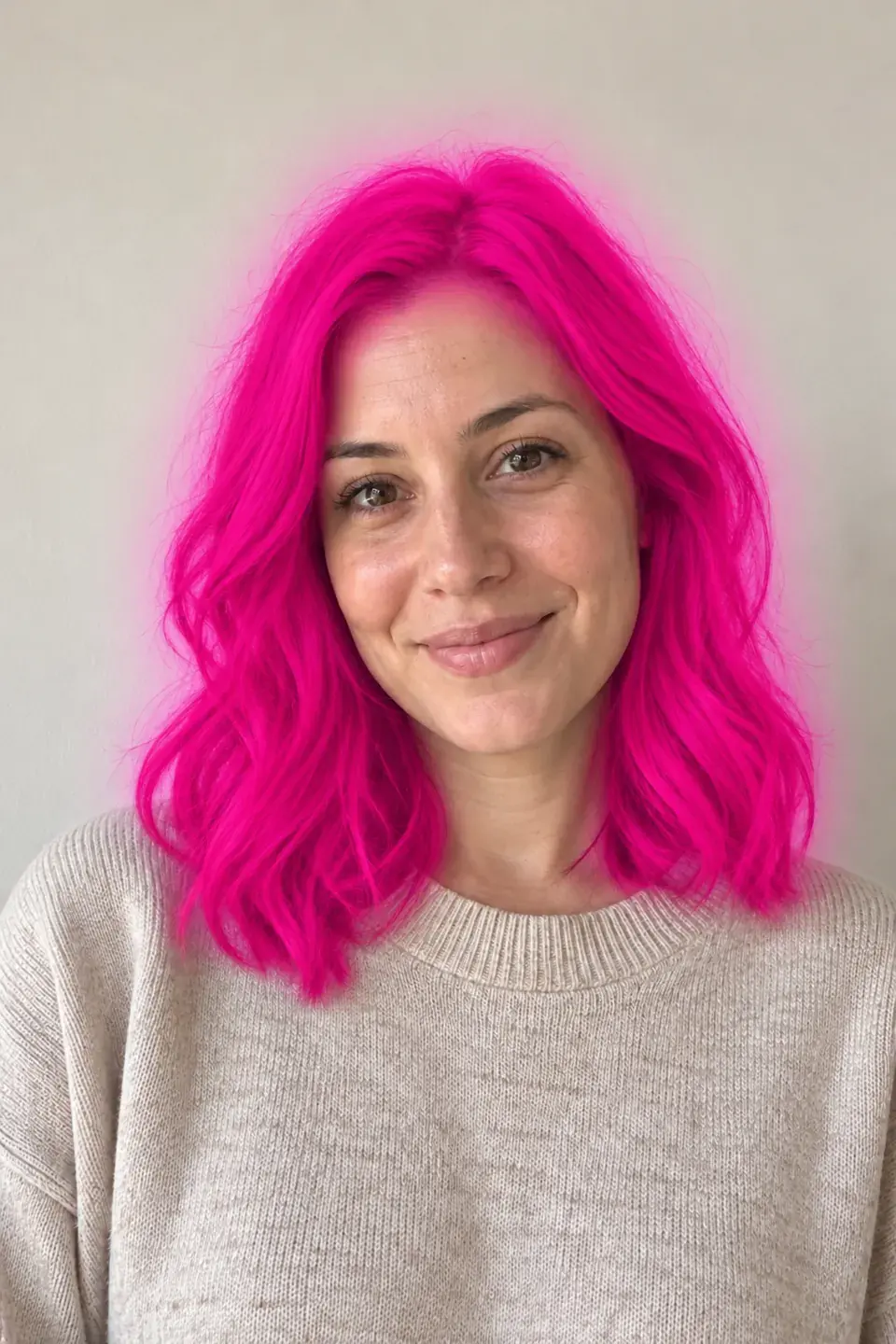 Generic filter apps
- Whose face?
- A stock model or a live camera overlay
- Skin tone match
- Ignored — color floats over any complexion
- Lighting
- Flat overlay that slides as you move
- Shade range
- A few preset tints
- What you walk away with
- A fleeting on-screen effect
Palette Hunt try-on- Whose face?
- Your real face, from your own photos
- Skin tone match
- Reads your undertone so the shade reacts to your skin
- Lighting
- Realistic, natural-looking light baked into the image
- Shade range
- 36+ shades, including gray and bold reds
- What you walk away with
- Saveable images to show your colorist
Seeing the color interact with your own skin tone and features is the only way to know whether a shade truly suits you — not just whether it looks fun on someone else.
 Caramel · Ash Brown
Not Sure Which Color to Try First?
If you do not yet know which family flatters you, start with the hair color quiz. Five quick questions about your undertone, eyes, and contrast point you to your most flattering shades — then bring those exact colors straight into the virtual try-on to see them on your face.
Find which hair color suits you, then try it on. The two pages work together: the quiz narrows the field, the try-on confirms the winner from your real photos.
Preview Gray Coverage — or Embracing the Gray
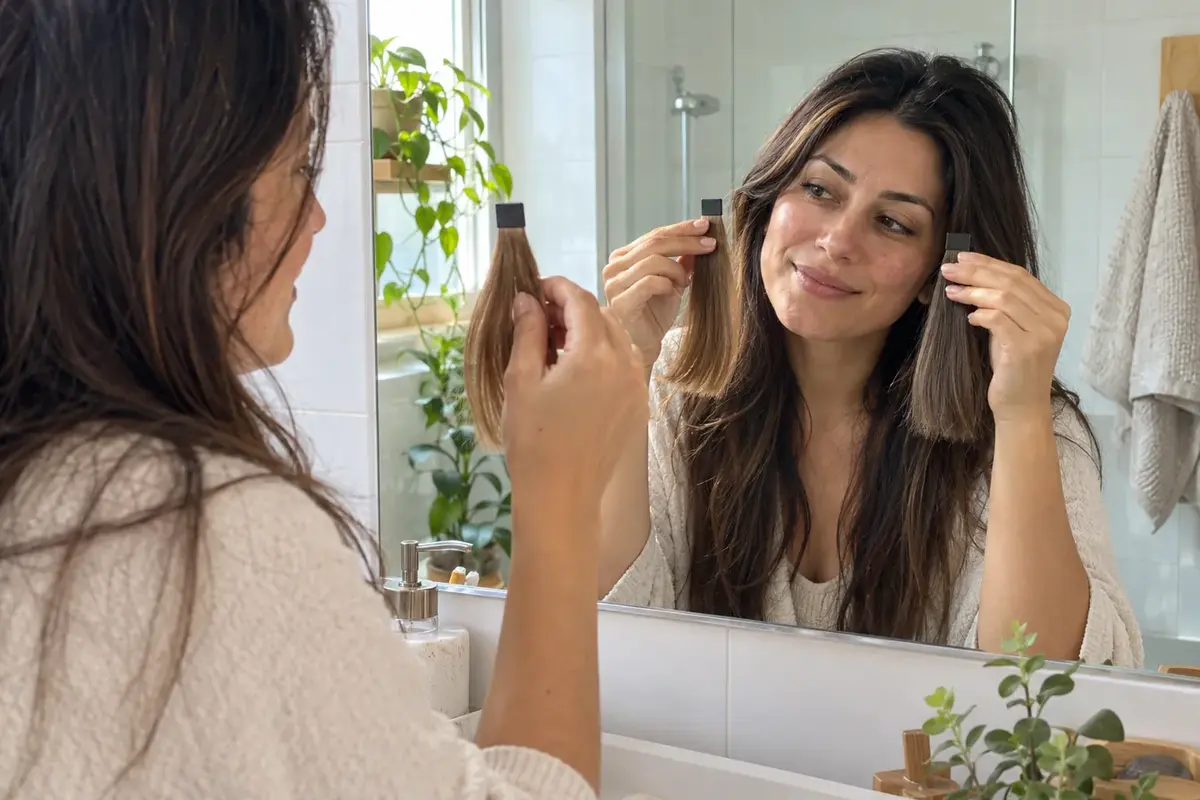
Wondering whether to cover the grays or grow them out? The virtual hair color try-on works both ways. Render a full gray-coverage shade — a soft caramel, an ash brown, a rich espresso — over your photo to see how much warmth or depth it adds back. It is the most-searched single question in hair-color try-on for a reason: gray is a high-stakes, high-maintenance decision.
Or go the other direction and preview a polished silver or salt-and-pepper before you commit to growing it out. Either way you see the result on your own face first, in realistic light, instead of imagining it.
Preview gray coverage on my photo
 Caramel
 Ash Brown
Virtual Hair Color Try-On Questions, Answered
How does a virtual hair color try-on work?
What is the best virtual hair color try-on app?
Can I try hair colors online without downloading an app?
Can I try on hair colors using my own photo?
Can I preview gray hair coverage virtually?
How realistic is the AI hair color try-on?
Do I need an account?
Find the Colors That Flatter Your New Hair
Once you have picked a shade, see which clothing colors suit it best.






See Yourself in Every Hair Color
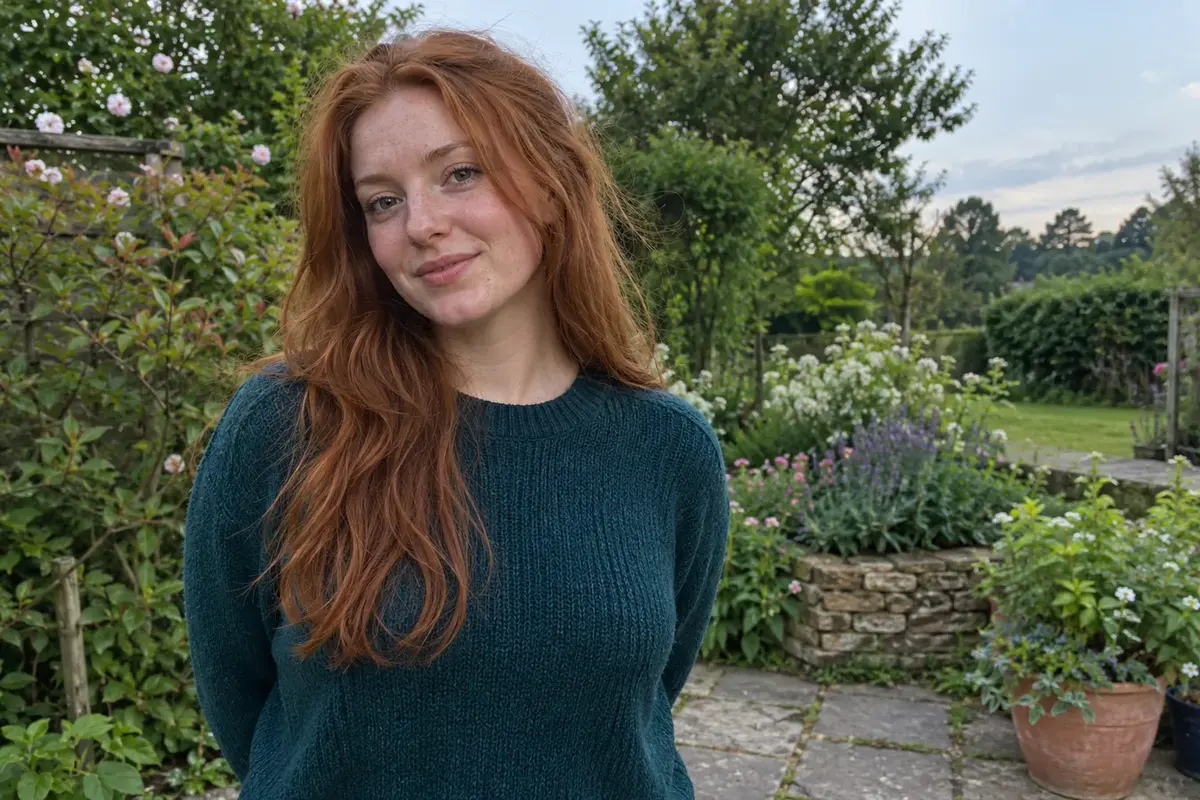
Upload a few photos and try on shade after shade on your own face — blonde, copper, brunette, gray and more — before you ever sit in the salon chair.
Try hair colors on my photoSee Yourself in Every Hair Color
Upload a few photos and try on shade after shade on your own face — blonde, copper, brunette, gray and more — before you ever sit in the salon chair.