Zoom Call Colors forWarm Undertones
Warm undertones can read orange or muddy on video. Discover how to build looks with shades that actually flatter you.
Warm undertones — golden, peachy, or yellow-based skin — have a specific challenge on video calls: the wrong colors push your skin toward orange, sallow, or muddy. Camera sensors and artificial lighting amplify warm tones, which means what looks great in a mirror can read completely differently on a Zoom screen. The solution isn't suppressing your warmth — it's finding colors that work with it. The right choices make warm-toned skin glow on camera rather than burn out.


3,000+
happy clients
Why Warm Undertones Behave Differently on Camera
Warm undertones — golden, peachy, or yellow-based skin — have a specific challenge on video calls: the wrong colors push your skin toward orange, sallow, or muddy. Camera sensors and artificial lighting amplify warm tones, which means what looks great in a mirror can read completely differently on a Zoom screen. The solution isn't suppressing your warmth — it's finding colors that work with it. The right choices make warm-toned skin glow on camera rather than burn out.
Camera sensors process color differently from human eyes. Where our eyes naturally compensate for warm lighting, cameras — especially the wide-angle lenses built into laptops — amplify whatever warmth is present in the frame. For warm-toned skin, this creates a compounding effect: warm skin + warm artificial light + warm-biased lens often pushes complexion into an orange or muddy territory that wasn't visible in a mirror.
The other factor is white balance. Most video call software auto-adjusts white balance based on the dominant colors in your frame — including your clothing. If you wear a warm-toned color like mustard or rust, the software may shift the entire frame warmer to compensate, which paradoxically makes warm skin look even more saturated. Cooler or medium-toned garments give the white balance algorithm a more neutral reference point, which benefits warm-toned skin.
The goal on video isn't to fight your undertone — it's to choose colors that contrast with or complement it in a way that reads as balanced and healthy on screen. Medium-depth colors with some cool or neutral quality prevent the warmth from being pushed further by camera processing. Colors in the same warm family as your skin create a flat, one-note image. The best choices create just enough contrast to let your features read clearly.
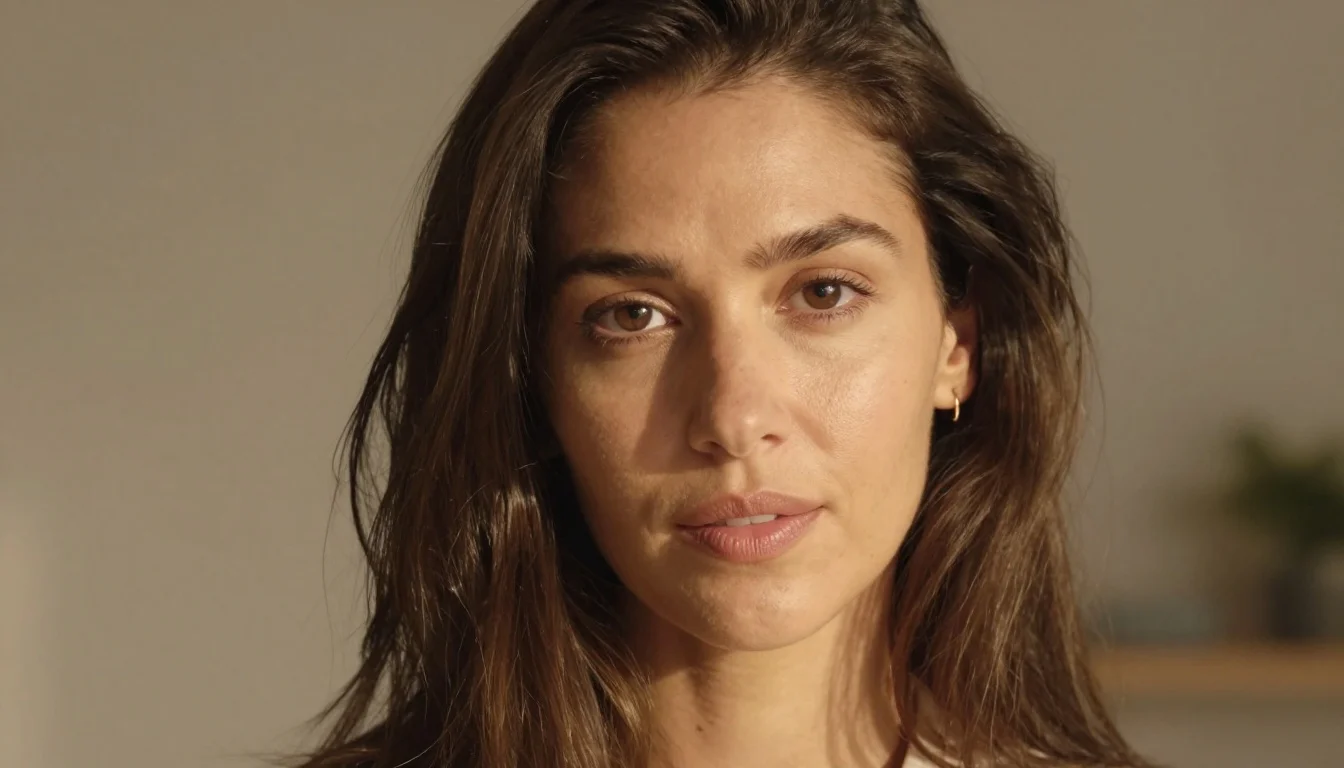
What colors should warm undertones wear on Zoom calls?
Warm undertones look best on Zoom in teal, sapphire blue, deep emerald, and rich berry or deep rose. These colors create contrast with warm skin without fighting it — they prevent the camera's tendency to push warmth into orange territory. Avoid orange, rust, mustard, bright white, and beige, which all flatten or amplify warm skin on video.
Your Best Colors for Zoom and Video Calls
Medium and Deep Teal
Teal is consistently one of the best colors for warm undertones on camera. The blue-green combination creates a cool-neutral contrast against warm skin without going fully cold, which would create too stark a contrast. On video, teal reads as calm and professional while making warm-toned skin appear glowing rather than flushed. It's one of the few colors that becomes more flattering through a lens — the camera's tendency to amplify warmth works in your favor when teal is creating the counterbalance.
Rich Jewel Blues and Sapphire
True blue is the warmth-neutralizing workhorse for warm undertones on video calls. Where warm skin might push toward orange on camera, rich blue in the frame gives the camera's white balance a true-blue reference point, which pulls the color rendering back toward accurate. The result is warm skin that appears its most luminous — the blue doesn't compete with warmth, it creates contrast that makes warmth look like a glow. Avoid too-pale or washed-out blues; depth and saturation are what make these colors work on screen.
Deep Emerald and Forest Green
Deep greens with yellow-warmth in them are naturally adjacent to warm undertones without blending in — they create contrast while maintaining harmony. On camera, deep greens read as grounded and authoritative. Forest green specifically works beautifully for warm-toned skin because the earthy quality resonates with golden undertones while the depth creates clear face-to-clothing contrast. Avoid yellow-green or lime tones that will amplify any sallowness; deep, rich greens only.
Rich Berry and Deep Rose
Pink-reds with depth work exceptionally well for warm undertones on video because they bridge warm skin and a cooler hue without the harshness of pure blue. Warm burgundy and deep rose have enough warmth to harmonize with golden skin while enough depth to create real contrast on screen. These colors also translate beautifully under the artificial lighting common in home offices and co-working spaces — they hold their richness rather than washing out under fluorescent or LED overhead lights.
Ready to see teal blue & teal on your face?
Start my color analysisPractical Tips for Video Calls with Warm Undertones
Choose medium-depth over extremes
On Zoom, medium-depth colors — not too dark, not too light — work best for warm undertones. Very dark colors can look heavy on the small frame of a laptop screen, while very pale colors create exposure conflicts. Teal, sapphire, deep rose, and emerald all sit in this productive middle zone: they create contrast without overwhelming your face in a small video frame. This is different from in-person dressing, where very dark and very light both work well.
Mind your lighting, not just your color
Your clothing color interacts with your light source, not just your camera. Warm yellow light from a desk lamp behind you can push any outfit warmer. If you have warm-toned overhead lighting, cooler clothing colors become even more important to compensate. Ideally, add a daylight-balanced (5000-6500K) LED light to your setup — it neutralizes artificial warmth in the environment, which means warm-toned skin reads more accurately and a wider range of clothing colors work.
Avoid patterns for video calls
Patterns and prints — stripes, checks, small florals — create moiré distortion on camera, which appears as a shimmering, flickering effect in your video feed. This is true regardless of undertone, but for warm-toned complexions the distortion also breaks up the contrast structure that's keeping your skin reading well. Solid colors are always the better choice for video calls; save patterned tops for in-person meetings.
Headshots vs. live video calls
For live Zoom calls where you're actively speaking and moving, prioritize teal, sapphire, and deep greens — they hold their color rendition well across frame rate variations. For more static video (recorded presentations, asynchronous video messages), deep rose and berry work beautifully because the camera captures the richness without the compression artifacts that can occur with motion. Rich jewel tones across the board are your safest all-context choice.
Colors That Backfire on Camera for Warm Undertones
Bright orange and rust
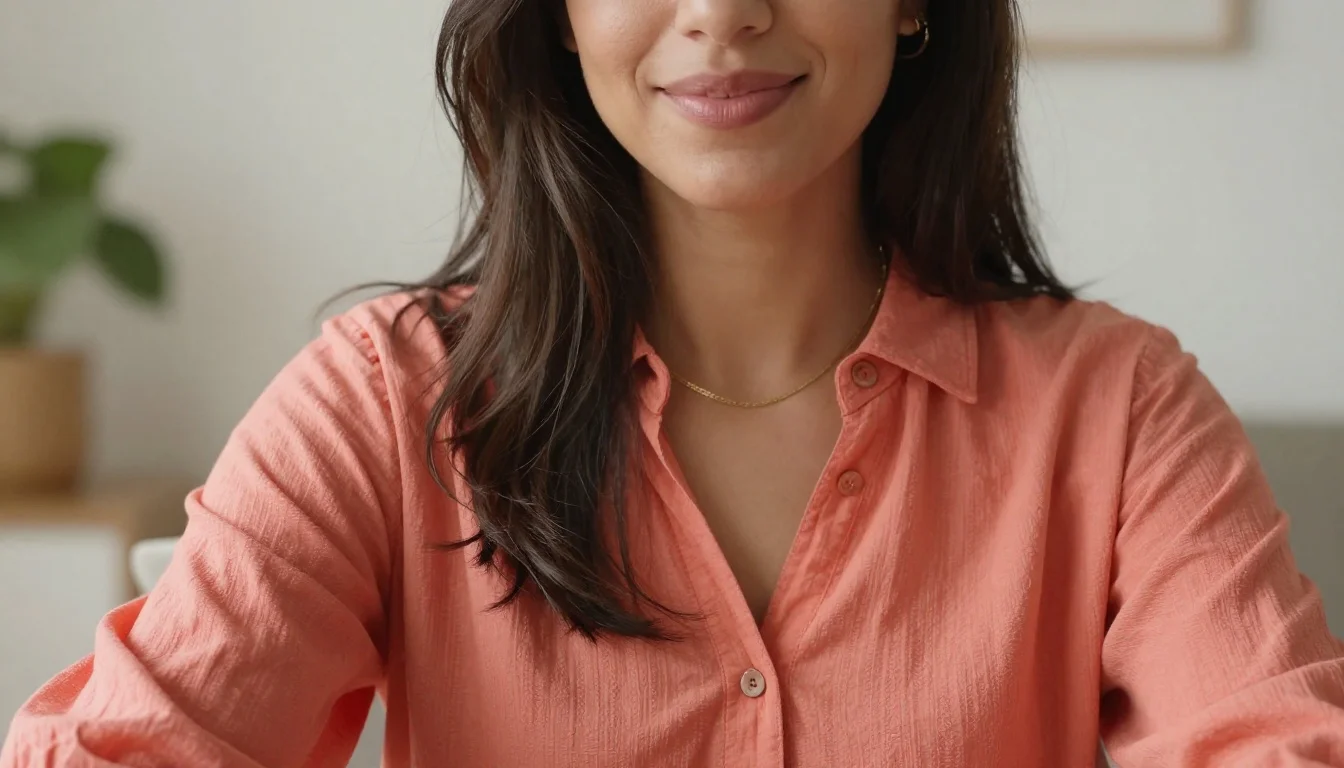
Orange and rust are the highest-risk colors for warm undertones on video calls. Camera sensors already tend to amplify the warmth in skin, and orange clothing in the same warm spectrum as your complexion makes the entire lower half of the screen a solid wash of warmth. On Zoom, this reads as a flushed, overexposed face with no definition between skin and clothing. Rust is slightly more forgiving than bright orange but still creates a muddied effect. Avoid anything in the orange-rust family for any video context.
Bright white
Pure white is problematic on video calls for anyone, but particularly for warm undertones: the contrast between brilliant white and warm skin pushes the auto-exposure to underexpose your face to compensate for the bright shirt, making skin look darker and more muddy. If you want a light, neutral option, choose warm ivory or cream — these sit closer to warm skin on the color spectrum and don't create the same exposure conflict.
Warm yellow and mustard
Yellow and mustard are in the same warm spectrum as golden skin undertones. On camera, this creates a monochromatic, flat effect where there's insufficient contrast between your complexion and your clothing. The camera processes both as warm and the image reads as one undifferentiated warm zone. Additionally, mustard and yellow can reflect warmth back onto the face, pushing skin readings even more orange or sallow in artificial light.
Light beige and tan
Beige and tan are too close to warm skin tones in value and temperature. On video calls, the lack of contrast between warm-toned skin and beige/tan clothing means features are harder to read — your face blends into your shirt. This is particularly problematic on lower-resolution video streams where every pixel of contrast counts. The effect is a washed-out, low-definition appearance that looks better in person but poorly on screen.
Stop guessing — preview every look on you
See these looks on my photoSwap These Colors Before Your Next Call
Small changes that make a significant difference on screen for warm-toned skin.
Mustard blends into warm skin on camera, creating a flat image. Sapphire creates crisp contrast that makes warm-toned skin read as glowing rather than flat.
Orange amplifies the warmth cameras already add to skin. Forest green creates contrast with the same earthiness but reads as distinct from warm skin on screen.
Camel and tan lose definition against warm skin on video. A teal or jewel-tone blazer creates the visual separation between face and clothing that cameras need.
Bright white causes auto-exposure to dim your face on video. Ivory sits closer to warm skin on the color scale and doesn't create the same overexposure conflict.
Beige disappears into warm skin on camera. Deep rose creates contrast and richness that reads as vibrant rather than flat on even low-quality video streams.
Patterns create moiré distortion on video. A solid jewel tone eliminates the distraction and keeps the visual focus on your face.
Which Color Season Might You Be?
Warm undertones span several seasonal palettes. Your specific season determines whether your best camera colors lean toward deeper, earthier tones or brighter, clearer ones.
Warm Autumn
Learn moreIf your warm undertone is deep and earthy — golden-olive or bronze skin, dark or auburn hair, rich brown eyes — Warm Autumn is likely your season. Your best camera colors are the deepest in the warm-cool spectrum: teal, hunter green, and warm burgundy. You can handle more color depth than other warm seasons and these rich, deep tones photograph magnificently.
Warm Spring
Learn moreIf your warm undertone is bright and golden — peachy or golden skin, warm blonde or honey-brown hair, light to medium eyes — Warm Spring fits. Your camera colors are the clearer, more vivid versions: bright teal, vivid cobalt, clear emerald. You carry brightness well on camera and need colors that match your natural clarity rather than deepening it.
Soft Autumn
Learn moreIf your warmth is muted — hazel eyes, medium brown hair, skin that's warm but not dramatically golden — Soft Autumn may be your season. For video calls, the same principles apply but the best colors are slightly less vivid: dusty teal, soft jade, muted rose. Your camera colors should have warmth-contrast without being overly bold.
Find Your Exact Camera Colors
Knowing you have warm undertones is the first step — but the specific colors that make you look best on camera depend on how deep or bright your warmth is, your contrast level, and even the color of your eyes. A personalised color analysis gives you a precise palette including camera-ready colors that translate well across Zoom, professional headshots, and in-person contexts alike.
Stop guessing — preview every color on you
Preview Yourself In Your Palette
Get my personalized paletteStop guessing — preview every color on you
Preview Yourself In Your Palette

Related Guides for Zoom Call Outfit Colors for Warm Undertones
Explore more personalized color advice based on your features.
Want to see these colors on you? Skin Undertone Test — free to try.
Frequently Asked Questions About Zoom Call Outfit Colors for Warm Undertones
What colors should warm undertones wear on Zoom calls?
Warm undertones look best on Zoom in teal, sapphire blue, deep emerald, and rich berry or deep rose. These colors create contrast with warm skin without fighting it — they prevent the camera's tendency to push warmth into orange territory. Avoid orange, rust, mustard, bright white, and beige, which all flatten or amplify warm skin on video.
Why does my skin look orange on Zoom?
Camera sensors amplify the warmth already present in warm-toned skin, especially under artificial yellow or warm LED lighting. Wearing warm-colored clothing (orange, rust, mustard) in the same spectrum compounds this effect. To counteract it, wear cooler or neutral-medium colors like teal or sapphire, and if possible add a daylight-balanced light to your setup. The clothing color gives the camera's white balance a neutral reference point.
Can warm undertones wear bright colors on video calls?
Yes — rich, saturated colors in the cool-to-neutral spectrum work very well for warm undertones on camera. Sapphire blue, deep teal, and vivid emerald are all bright and camera-friendly. The colors to avoid are bright warm ones (orange, yellow, warm red) rather than bright colors generally. Vibrancy in a cool-neutral hue is exactly what makes warm-toned skin look its best on screen.
Should warm undertones avoid white on video calls?
Pure bright white is problematic for warm undertones on video because the sharp contrast causes auto-exposure to underexpose your face, making skin look muddy or darker. Warm ivory or cream is a far better choice — it's a light neutral that doesn't create the same exposure conflict and sits harmoniously close to warm skin on the color scale.
Do patterns work for warm undertones on Zoom?
Patterns are best avoided for all skin tones on video calls, including warm undertones. Stripes, checks, and fine prints create moiré distortion — a shimmering effect that appears in your video feed and distracts from your face. Solid colors in flattering hues always read better on camera than any patterned alternative.
What is the single best Zoom color for warm undertones?
Teal is the single most reliable color for warm undertones on Zoom calls. It creates a cool-neutral contrast against warm skin without being harshly cold, translates well under almost any lighting setup, prevents the camera from pushing warmth into orange territory, and reads as professional and calm. A medium-to-deep teal top is the safest and most consistently flattering choice.